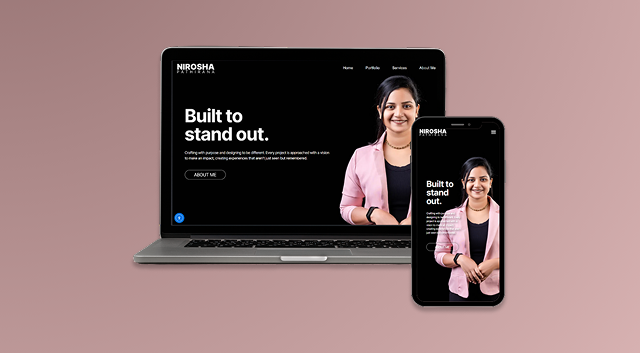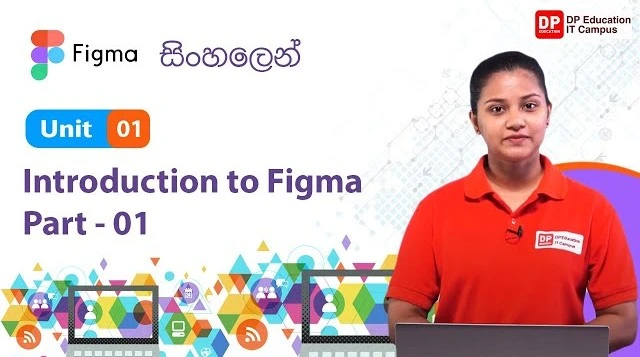
Design is more than visuals — it’s about problem-solving, structure, and the experience we create for users. To make this creative process accessible, I collaborated with DP Education to launch a complete Figma tutorial series on YouTube. Built especially for beginners, the series is divided into three progressive levels: beginner, intermediate, and advanced — but each lesson is created with new learners in mind.
From introducing the basics of UI design to guiding learners through their first interactive prototypes, this course aims to make Figma approachable, practical, and fun to learn.
Starting with the Basics: Beginner Level
The series begins with an introduction to Figma — what it is, how to set up an account, and how to navigate the interface. We then move into working with basic shapes, layers, colors, and text, helping learners get comfortable with the design environment.
Through step-by-step demonstrations, students learn how to design simple frames, create reusable components, and understand key concepts like alignment and spacing. The focus here is to build confidence and remove the fear of a blank canvas.
By the end of this section, learners are able to create structured layouts, organize design files, and understand the core building blocks of UI design.
Leveling Up: Intermediate Skills
Once the essentials are in place, the intermediate phase dives into layout grids, auto layout, styles, and prototyping basics. This section introduces real-use scenarios like designing a login screen, a landing page, or a mobile app interface.
Students also learn to build consistency with reusable design systems — using components, text styles, and color palettes to speed up workflow and maintain design accuracy. The aim here is not just to teach how to use Figma but to show why certain design decisions matter.
Each concept is demonstrated with practical examples so learners can see how to apply theory in real design projects.
Getting Creative: Advanced Tools & Techniques
In the final section, learners explore more advanced but beginner-friendly features like interactive components, smart animate, variants, and collaborative design techniques. We also walk through ways to organize larger projects, present designs, and share files for development handoff.
While this section covers more powerful tools, the lessons are still paced and explained clearly, keeping in mind that students may still be early in their design journey.
It’s about showing what’s possible with Figma — and helping learners build a skillset that’s both creative and practical.
Designed to Be Beginner-Friendly, End to End
Every part of this Figma series was crafted to support self-paced learning, clear progression, and real-world application. From the first shape to full clickable prototypes, the goal is to help new learners not only understand Figma but to feel empowered to start designing with purpose.
The feedback so far has been incredible — especially from those who thought design tools were too complex. Seeing students create their first UIs, experiment with interactions, and share their own ideas has been truly rewarding.
Ready to Design with Figma?
If you’re curious about UI/UX or want to explore digital design for the first time, this beginner-friendly course is a great place to start. No prior experience needed — just a willingness to learn and create.
Explore the full course at : DP Education Figma